
← Back to Devices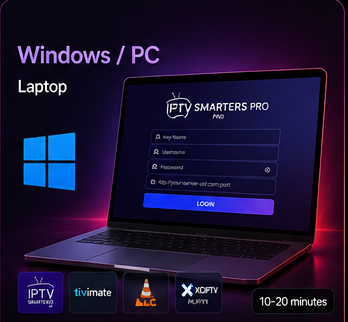
Windows Setup
Set Up IPTV on Windows
Use a compatible IPTV application for a full library experience, or VLC when you only need simple playlist or network-stream playback.
Setup Steps
Connect Windows in four steps
01
Install a compatible player
Choose a compatible IPTV application for Windows. If you only need simple playback, VLC can open a compatible playlist or network stream.
02
Choose the connection method
In an IPTV app, use the supported Xtream Codes or M3U method. In VLC, use Media → Open Network Stream when a compatible network URL is supplied.
03
Enter your IptvplanPro details
Paste the Server URL, Username and Password or compatible playlist/network information exactly as provided after activation.
04
Load and start watching
Save the profile or press Play, wait for the content to load, then start watching. A dedicated IPTV app is usually easier for categories, EPG, Movies and Series.