
← Back to Devices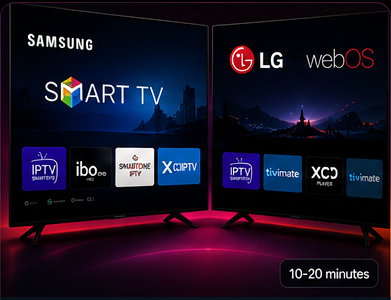
Smart TV Setup
Set Up IPTV on Samsung & LG
Install a compatible IPTV player, enter the access details supplied with your IptvplanPro subscription, then let the app sync your Live TV, Movies and Series.
Setup Steps
Connect your subscription in four steps
01
Install a compatible IPTV player
On Samsung open Apps / Smart Hub. On LG open LG Content Store. Search for a compatible IPTV player and install it.
02
Choose the login method
If the player supports Xtream Codes, use the Server URL, Username and Password supplied after activation. If it uses M3U or device linking, choose that method instead.
03
Save and synchronize
Save the profile and wait while the player loads channel groups, Movies, Series and EPG information.
04
Start watching
Open Live TV, Movies or Series. If login fails, recheck the full Server URL and make sure there are no extra spaces in the credentials.