
← Back to Devices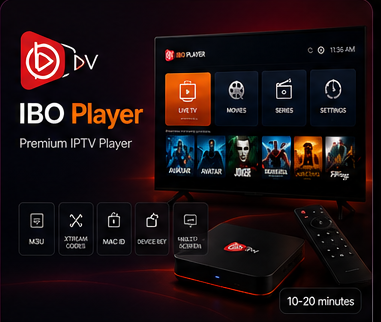
IBO Player Setup
Set Up IPTV on IBO Player
Use the MAC Address and Device Key shown by IBO Player to link your IptvplanPro playlist, then reload the app and start watching.
Setup Steps
Connect IBO Player in five steps
01
Open IBO Player on your TV
Note the MAC Address and Device Key shown on the device screen. These identify your IBO Player installation.
02
Open the supported playlist manager
From a phone or computer, open the supported management page for your IBO Player version and enter the MAC Address and Device Key.
03
Add your IptvplanPro playlist
Create a recognizable playlist name and add the compatible M3U or account information supplied after activation.
04
Save the connection
Confirm the device information and save. This links the playlist to the IBO Player installation on your TV.
05
Reload IBO Player
Return to the TV, reopen or reload the app, then wait for the linked playlist and categories to appear.