
← Back to Devices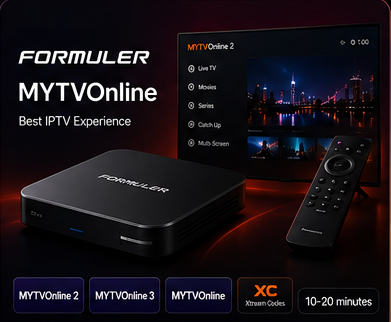
Formuler Setup
Set Up IPTV on MYTVOnline
Open MYTVOnline on your Formuler device, add the compatible portal or account details supplied with your IptvplanPro subscription, then connect and load your content.
Setup Steps
Connect MYTVOnline in four steps
01
Open MYTVOnline
Launch the MYTVOnline application on your Formuler device and open the section used to add a new service or connection.
02
Choose the connection type
Use the compatible portal, playlist or account method supported by your MYTVOnline version and by the details supplied after activation.
03
Enter the IptvplanPro details
Paste the portal/server information or the compatible login details exactly as provided. Avoid changing the URL or adding spaces.
04
Connect and load the service
Save the connection, let MYTVOnline load the service, then browse the available Live TV and VOD sections.